# Groups :lock:
> **Note:** The Groups feature is available only on our Enterprise plan. Please reach out to us at enterprise@kusho.co to enable this for your team.
### Overview
The Groups feature is a powerful tool that helps you achieve the following:
* Organize test suites into logical groups.
* Generate and run API tests.
* Manage test environments.
* Export and share test results.
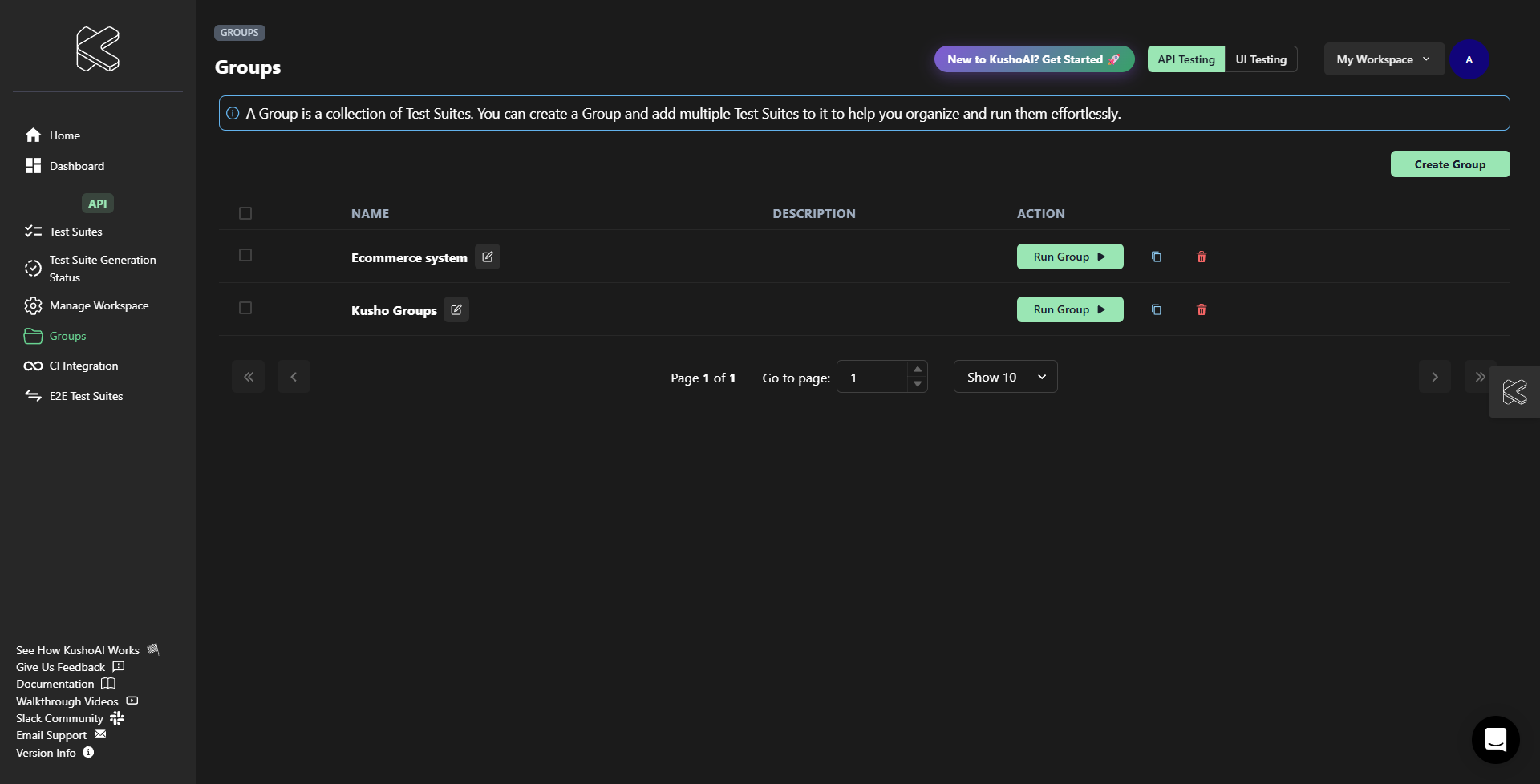
### Key Features
| Feature | Description |
|---------|-------------|
| Test Suite Management | Create and organize test suites for different APIs. |
| Environment Selection | Run tests across different environments. |
| Batch Execution | Run multiple test suites simultaneously. |
| Export Capabilities | Export test suites and results. |
### Getting Started
1. [Creating Groups](creating-groups.md) - Learn how to organize your test suites.
2. [Managing Test Suites](add-remove-ts.md) - Add, remove, and modify test suites.
3. [Running Groups](run-group.md) - Execute and manage test suite groups.
### Navigation
* Use the left sidebar to access different sections.
* The top bar contains quick actions and workspace settings.
* Each section has specific controls relevant to its functionality.