
Using variables in API request
Learn how to use variables in your test suite payloads effectively.
Selecting Environment and Using Variables
- From your test suite, select the appropriate environment:
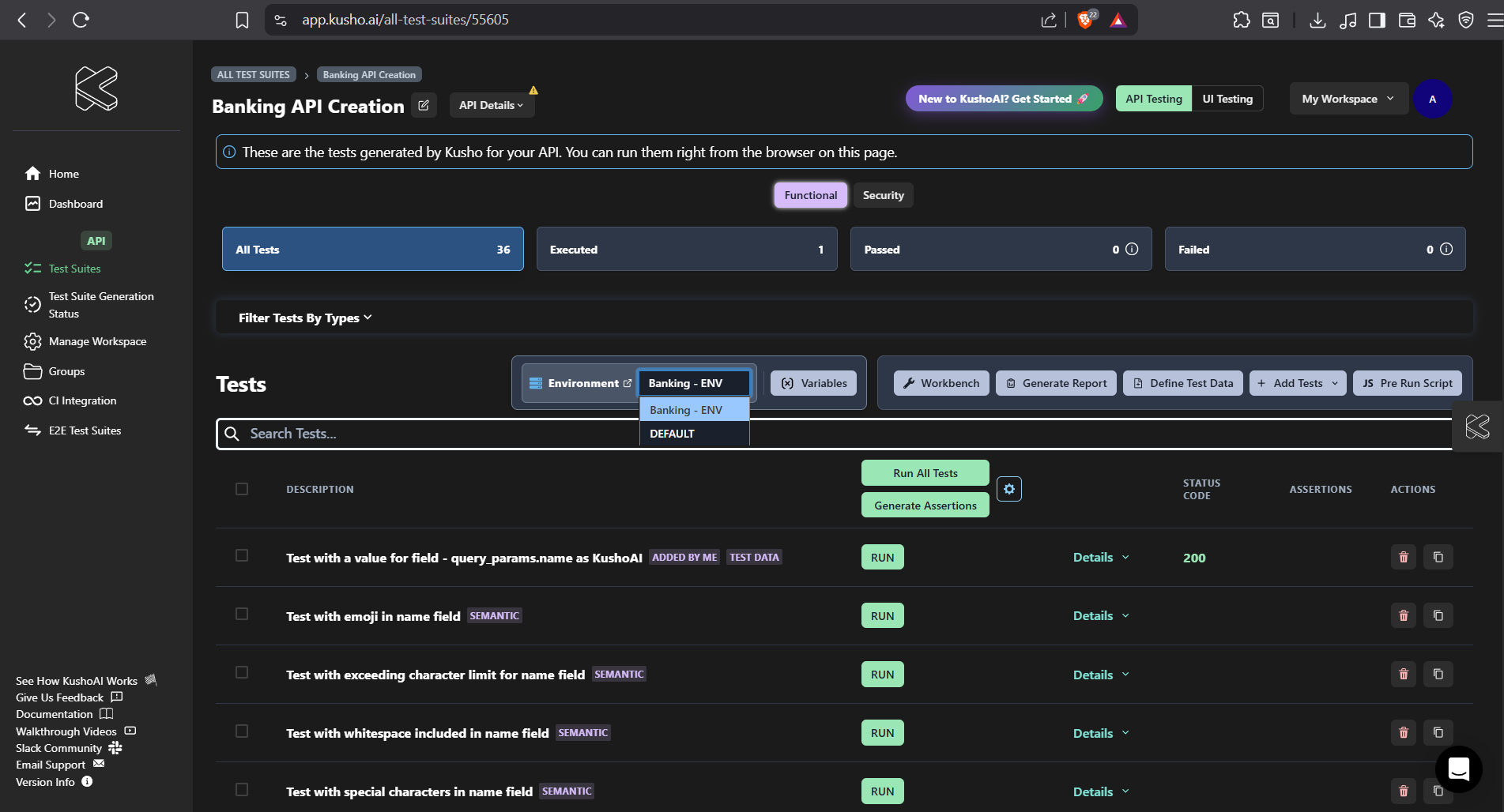
- Define variables through the Variables button:
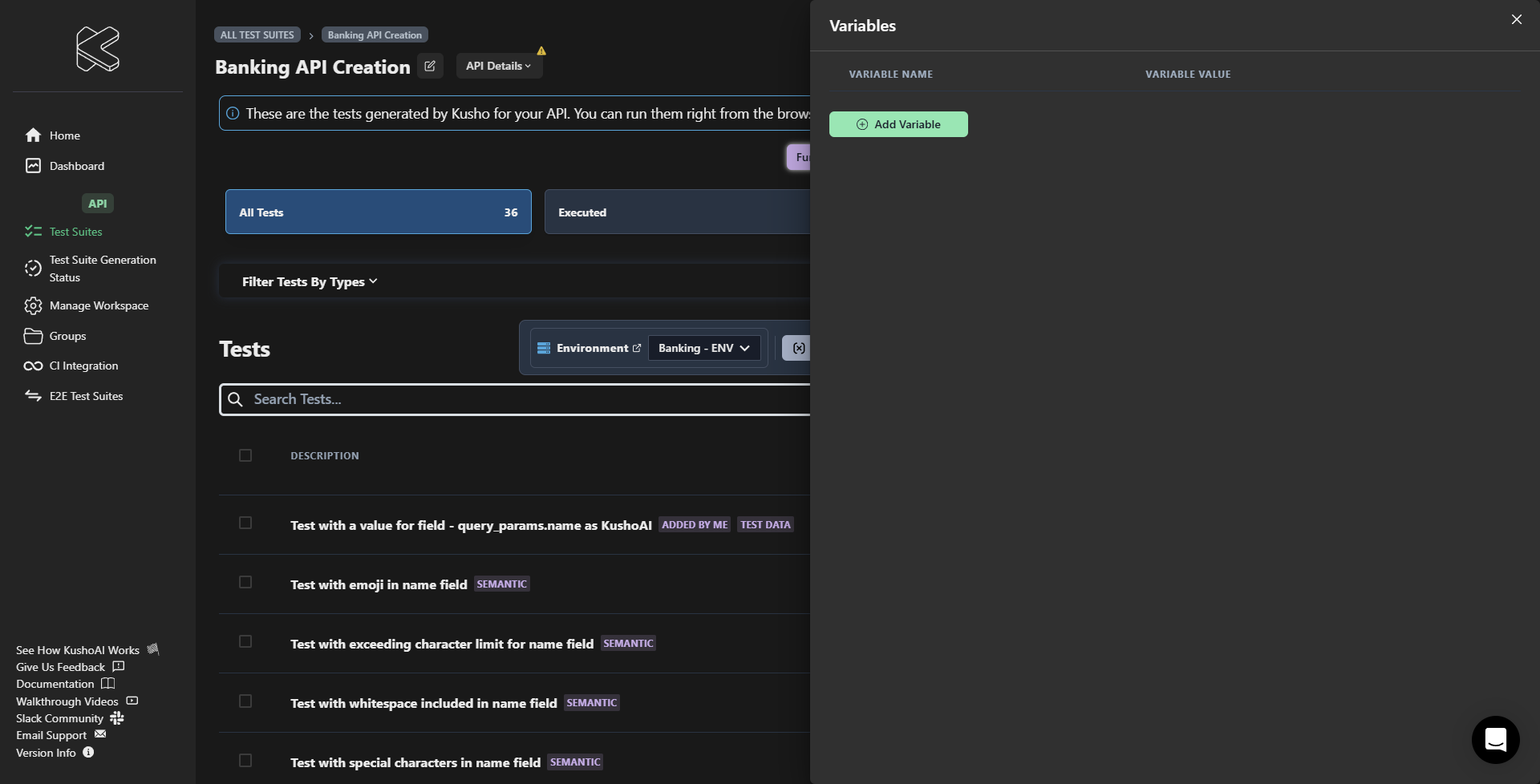
Variable Setup
When setting up variables:
- Click the Variables button.
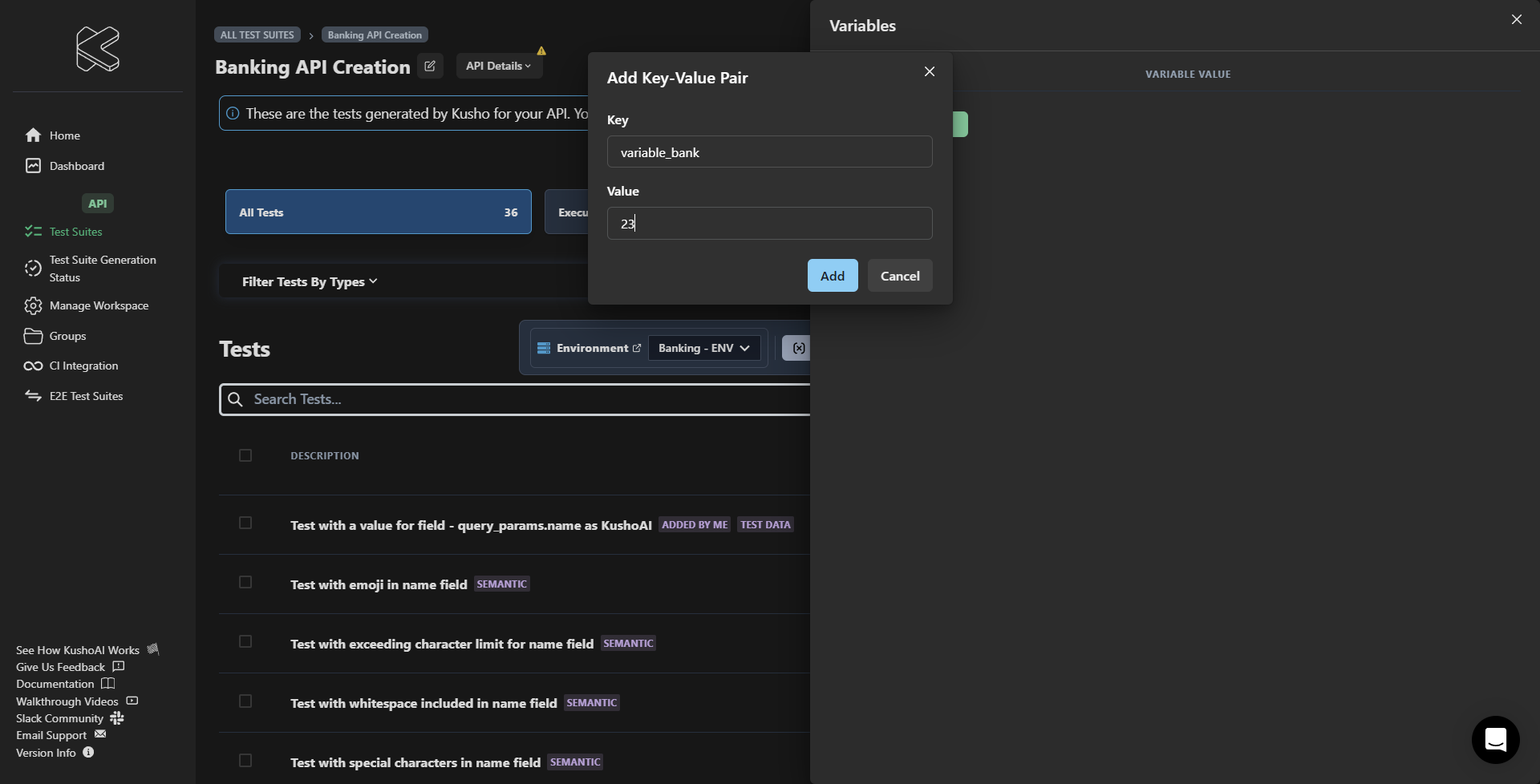
- Add required variables using the Add Variable button.
- Fill in both key and value:
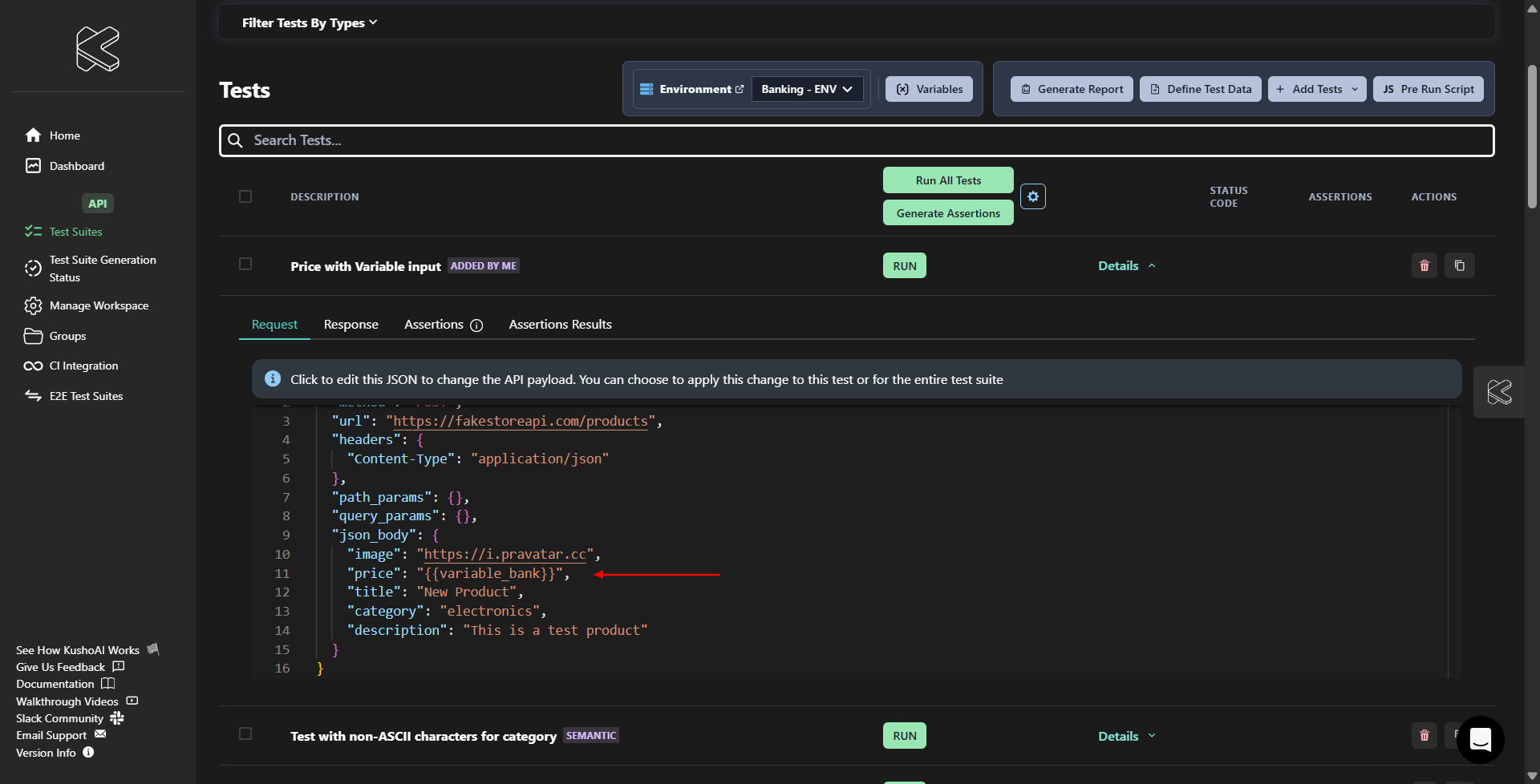
Variable Syntax
To use the variables in your payload, the syntax should be like this "{{<variable_name>}}" :
Testing with Variables
- Ensure all required variables are defined before running tests.
- The system will indicate if any variables are missing.
- Tests cannot be executed until all required variables are defined.
- You can see test execution status and results in the test suite view.
Best Practices
- Always verify that required variables are defined.
- Use consistent variable references across test cases.
- Keep variable values up to date.
- Document any special requirements or dependencies.
Error Handling
If you see an undefined variable warning:
- Note the variable names listed in the warning.
- Open the Variables drawer.
- Add any missing variables.
- Verify that all required variables are properly defined.