
Generating Test Reports
Accessing Report Generation
Via Kusho Interface
-
Navigate to Your Test Suite
Locate the test suite you want to generate the report for. -
Click "Generate Report"
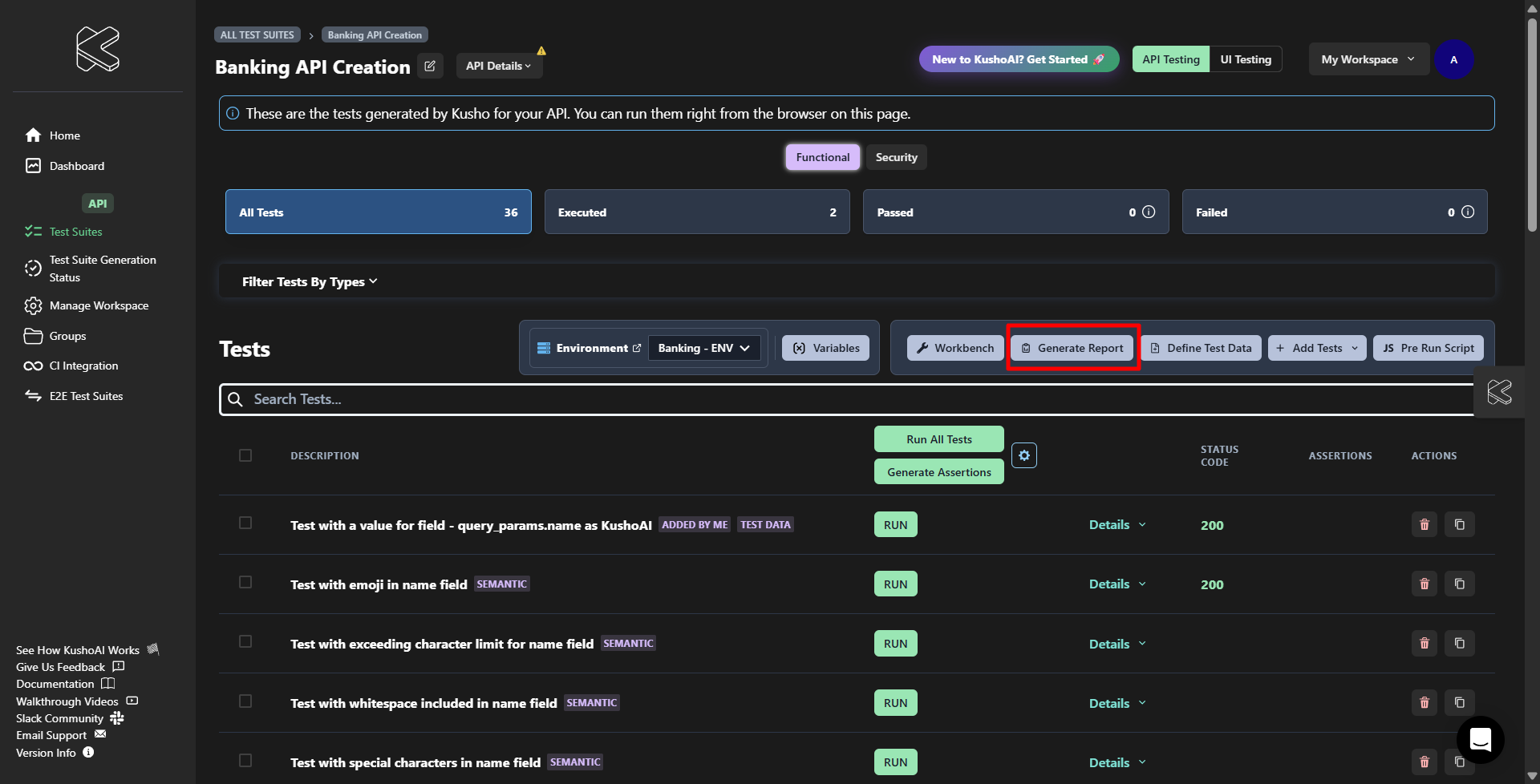
Select the "Generate Report" button from the toolbar.
-
Choose Report Delivery Method
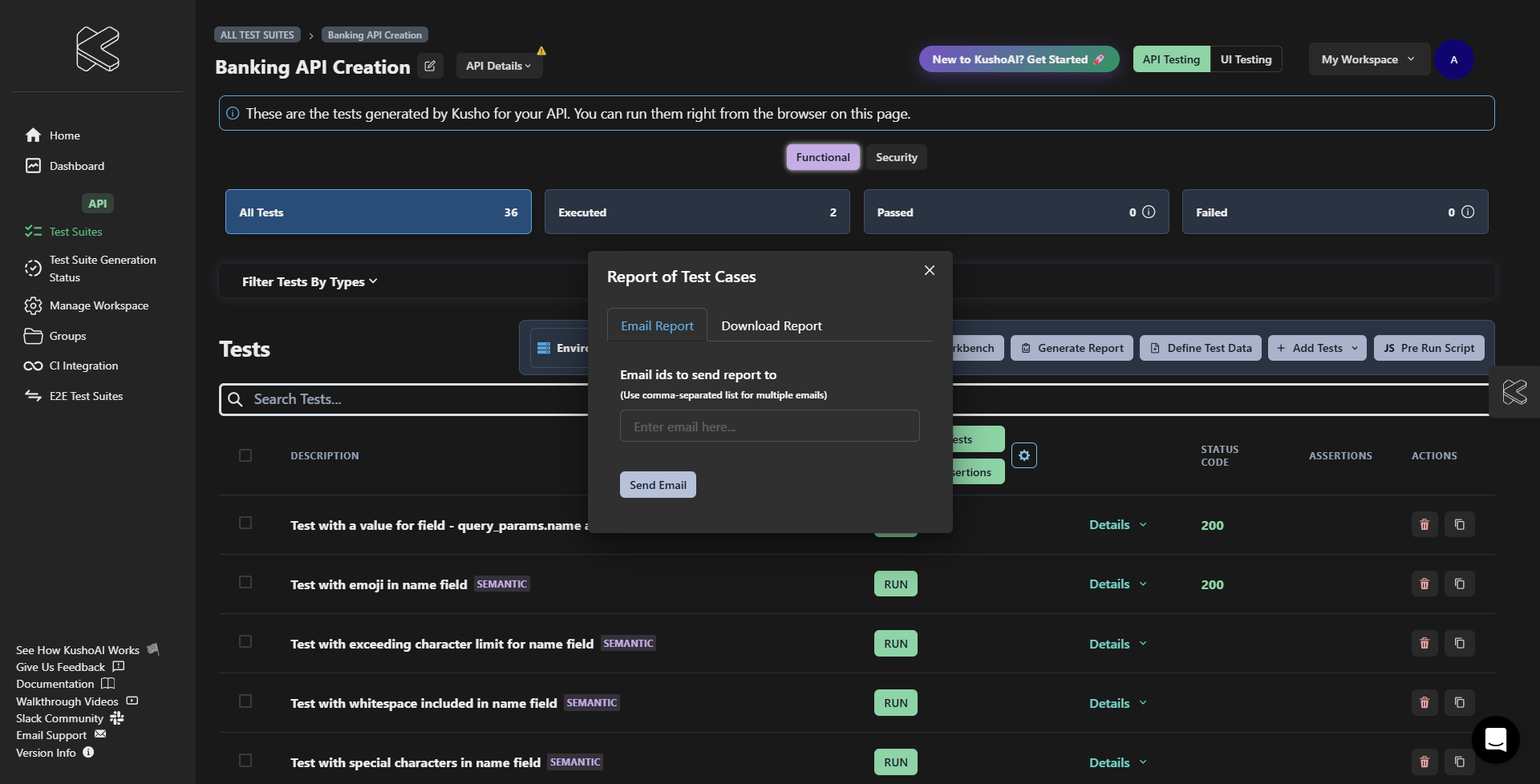
Decide if you'd like to email the report or download it directly:
- Email Report: Sends the report to specified email addresses.
- Download Report: Saves the report locally.
-
For Email Reports:
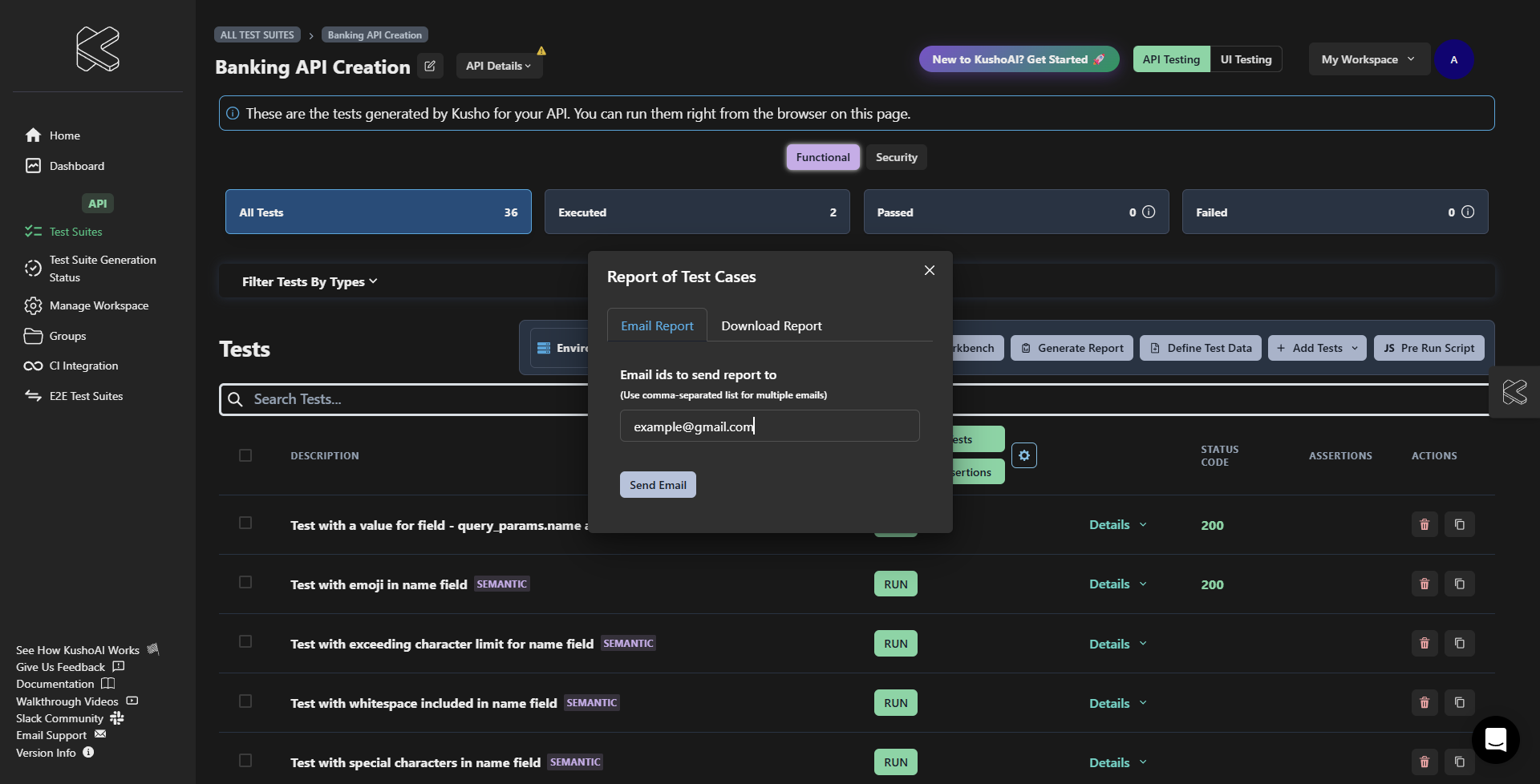
- Enter recipient email addresses (comma-separated).
- Click "Generate" to send the report.
-
For Download Reports:
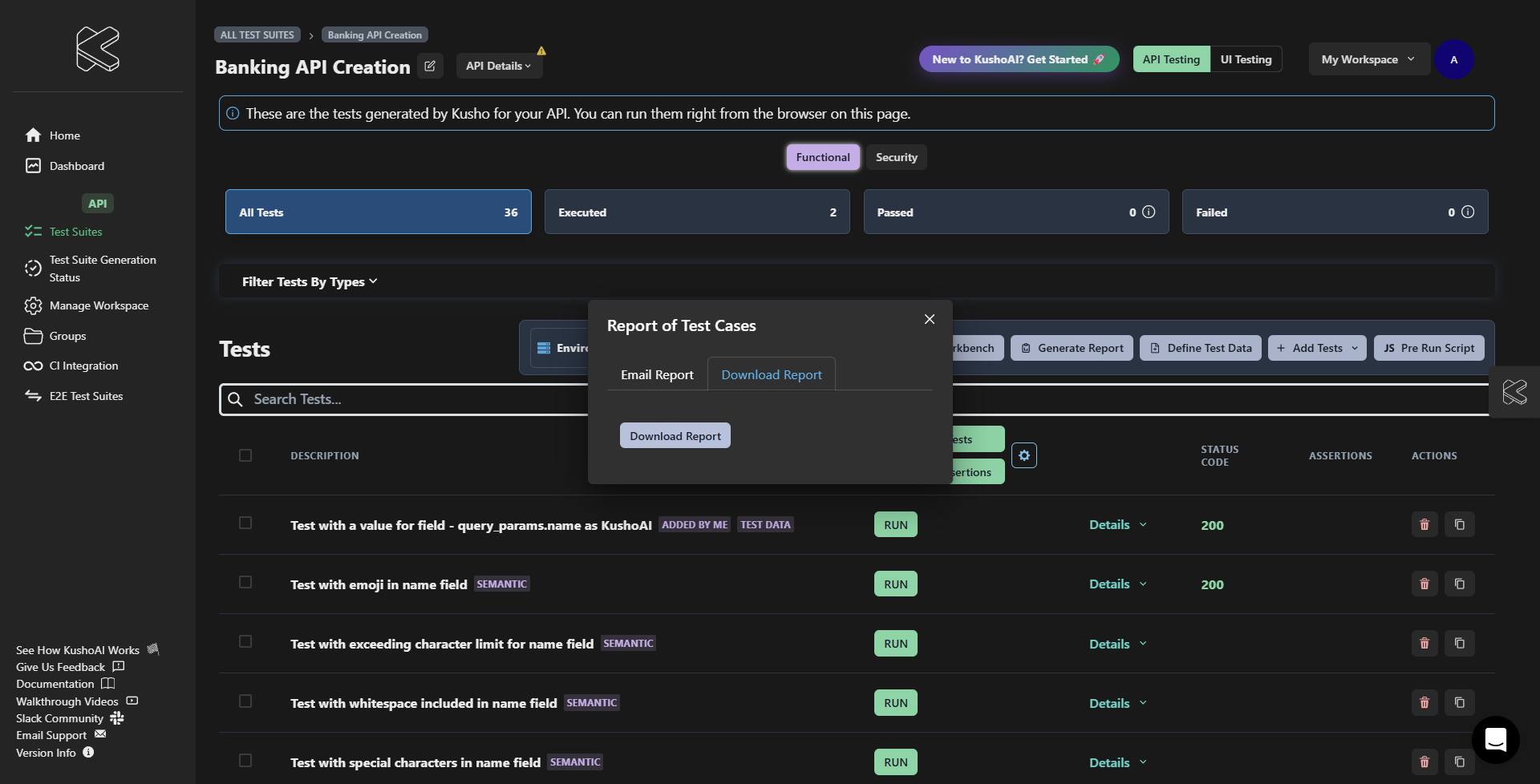
- Select "Download Report".
- Save the HTML file to your preferred location.
Troubleshooting
Common Issues
-
Report Not Downloading:
- Check your browser settings for blocked downloads.
- Try using a different browser.
- Clear your browser cache and attempt again.
-
Email Delivery Issues:
- Verify that the email addresses are correct.
- Check spam or junk folders for the report.
- Ensure your email server settings allow for external emails.